
NoteCleaner: Turn Stiff AI Drafts into Clearer English
Explore NoteCleaner's English rewriting tools, AI detector, document imports, and free allowances, with practical advice for reviewing every revision.
- NoteCleaner
- AI Humanizer
- AI Detection
- AI-assisted writing
Put the Workflow Into Practice
Try your own draft: paste at least 10 words, compare the rewrite, and check every fact. 250 free humanizer words per day, without an account.
AI HumanizerAn AI draft can give you a starting point, but getting the words onto the page is only part of writing. A useful email needs a clear request. A project update needs an obvious next step. An article needs sentences that readers can follow without stopping to untangle them.
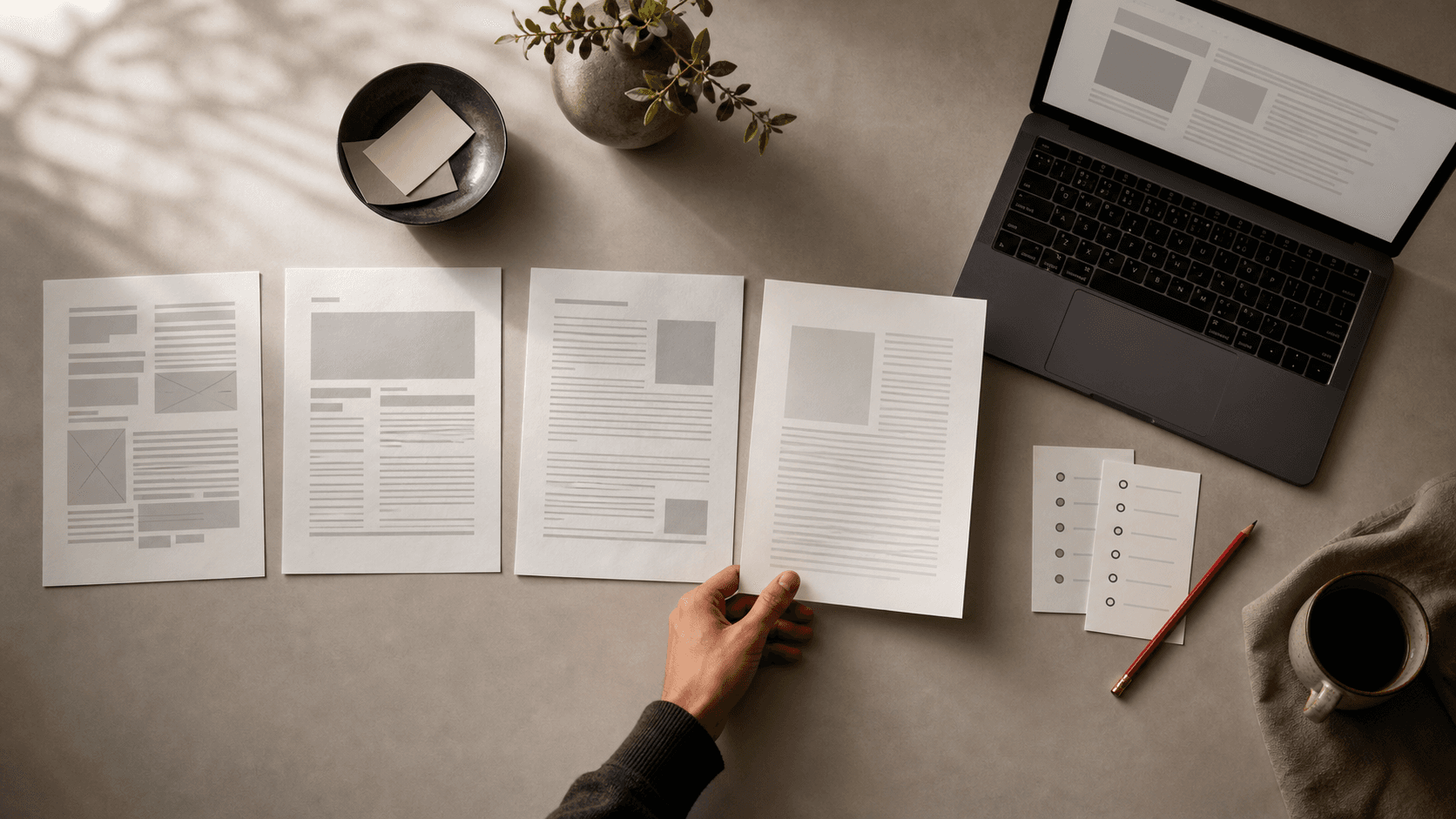
NoteCleaner is a web-based writing tool built around that editing process. It combines an AI humanizer with an AI detector, giving users a workspace for revising English drafts and reviewing writing signals. Its approach keeps the writer involved: compare the original, examine the revision, and choose the final wording.
The humanizer creates another version of your text so you can assess its phrasing, flow, and tone. You can paste a draft or import a text-based PDF, DOCX, or TXT file up to 10 MB. The workspace displays the original alongside an editable revision, with highlights to help you spot changes. Guests and Free accounts have access to Standard mode, while paid plans add Casual, Professional, and Academic options. These features are described on the NoteCleaner humanizer page.
That comparison matters because smoother wording is useful only when it preserves the message. Consider a simple editing example: "I am writing to ask whether you could provide an update" could become "Could you send an update?" The request becomes easier to find. But if the original includes a deadline, a condition, or an exception, those details still need to survive.
A sensible workflow is to read the revision against the original before accepting it. Check names, numbers, quotations, technical terms, and words such as "may" or "must." NoteCleaner's own guidance makes clear that its rewrites do not automatically verify facts or guarantee that every detail remains intact. The final review belongs to the writer. Read the humanizer guidance.
The AI detector offers a separate way to examine a passage. It returns an overall estimate and, when available, feedback on individual sentences. That feedback can prompt a closer reading, but it does not establish who wrote the text. NoteCleaner acknowledges that false positives and false negatives are possible. The detector also does not check plagiarism, confirm citations, or verify factual accuracy. Its results are best understood alongside the full document, its sources, and its drafting history. Explore the AI detector.
For occasional use, NoteCleaner offers a free starting point. Guests receive 500 shared words per day, and a Free account raises that allowance to 2,000. Rewriting and detection draw from the same daily pool: rewriting 200 words and then checking those 200 words uses 400 words. Pro and Plus provide separate allowances for each tool, along with longer requests and additional writing modes. Compare the available plans.
For writers working on English emails, reports, or articles, the most useful habit is simple: revise with a reader in mind. Identify what the reader needs to understand, remove wording that gets in the way, and preserve the details that carry the meaning. NoteCleaner provides tools for that process; your judgment determines when the draft is ready to share.
Sources & Further Reading
Put the Workflow Into Practice
Use GPTHuman as an editing aid, then verify facts, sources, meaning, and policy requirements before publishing.
AI Humanizer