
A Readability Checklist for AI Drafts
Use this checklist to make AI-generated drafts clearer, easier to scan, and more useful for real readers.
- Readability
- Plain language
- Editing checklist
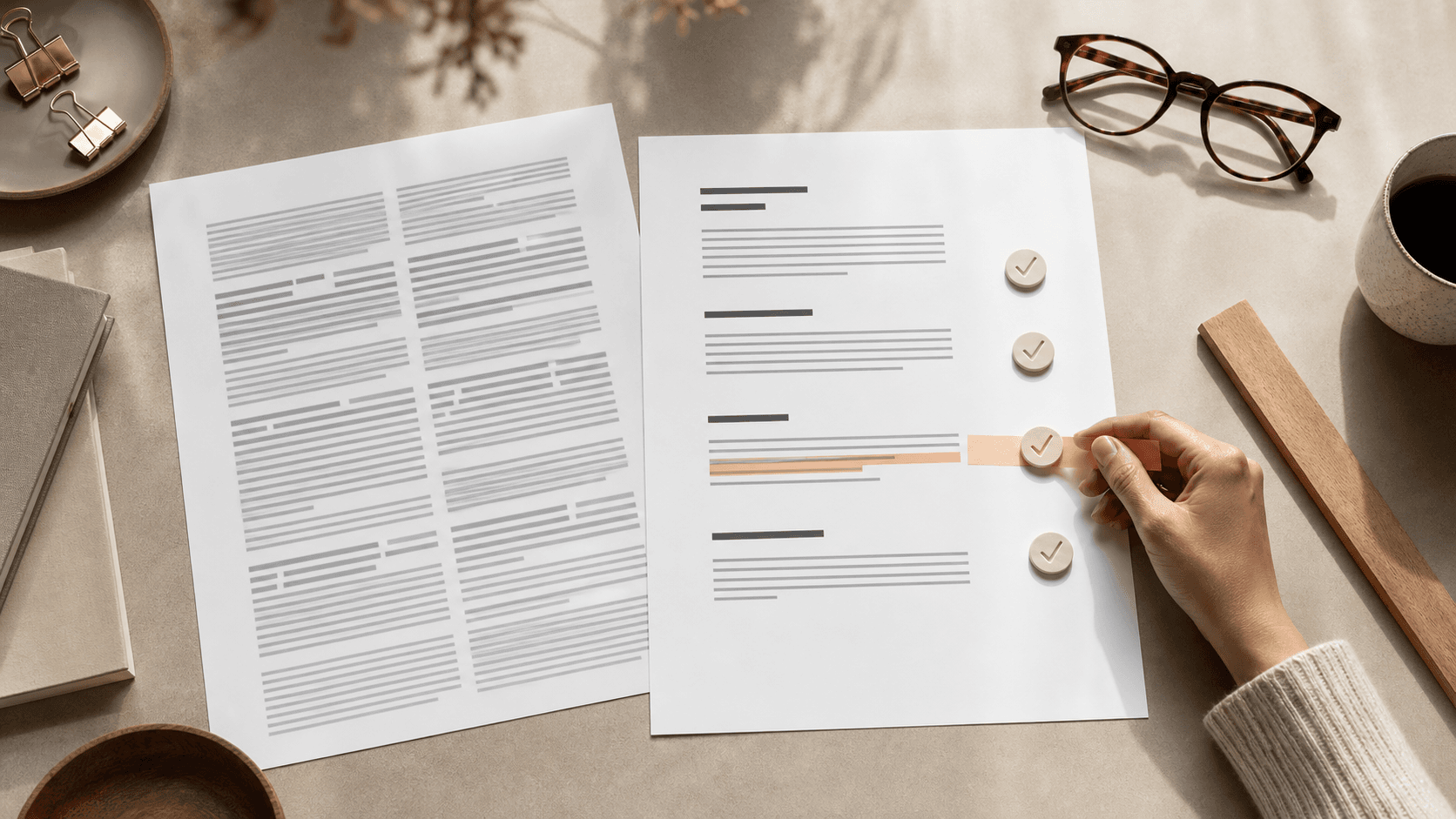
AI drafts often look complete before they are readable. They have headings, paragraphs, and a confident tone, but the reader still has to work too hard. A readability pass fixes that gap. Use a Readability Scorer to find possible friction, then make the editorial decision in context.
Check the first screen
The opening paragraph should tell the reader what they will learn and why it matters. Avoid broad setup. Readers do not need a lecture about how fast technology is changing. They need to know whether the article will solve their problem.
Ask two questions: Would a busy reader understand the promise in ten seconds? Would they keep reading if they already know the basics?
State the outcome early
Tell the reader what the page will help them decide or do. If there is an important limitation, place it near the claim it qualifies. Do not make readers cross several promotional sections before they discover that a tool, price, or result has conditions.
Cut abstract nouns
AI writing leans on abstract nouns like optimization, implementation, utilization, transformation, and enhancement. Some are useful. Too many make the article feel distant. Replace them with verbs where possible.
"Improve the review process" is usually clearer than "drive review-process optimization." Good readability is often the result of ordinary words used with precision.
The U.S. Plain Language Guidelines recommend organizing for the audience, using active voice, and choosing familiar words. Apply those ideas without deleting necessary technical terms. Define a specialist term once when a general reader needs it.
Vary paragraph length
A wall of identical paragraphs is tiring. Mix one-sentence emphasis with fuller explanation. Break long paragraphs when the idea turns. Use bullet lists only when the reader is comparing items or following steps.
Do not create lists just because the draft feels dense. Sometimes the better fix is a stronger topic sentence.
Inspect sentence load
Underline the main subject and verb in a dense sentence. If either is hard to find, move the action forward. Check whether pronouns have clear references and whether a chain of nouns is hiding a simpler verb. Read the sentence aloud to catch missing transitions and accidental repetition.
Make headings do work
Generic headings like "Introduction," "Benefits," and "Conclusion" waste space. A useful heading tells the reader what the section contributes. Compare "Benefits" with "Why shorter review cycles improve quality." The second heading carries meaning.
When scanning the page, a reader should understand the argument from the headings alone.
Keep heading levels in order. An H3 should explain part of the H2 above it, not act as a smaller visual style. Descriptive anchors also make a table of contents and keyboard navigation more useful.
Check links, lists, and instructions
Link text should describe its destination without relying on "click here." Steps should use a real ordered sequence when order matters, while bullets should group items that can be considered independently. Put warnings before the action they affect.
For forms and interactive tools, pair every control with a label, announce validation errors, and keep keyboard focus visible. Readability includes the interface around the article, not only its paragraphs. The WCAG reading-level guidance also distinguishes supplemental explanation from simply lowering every sentence to the same level.
Run the plain-language test
After editing, choose three paragraphs and rewrite them as if explaining the idea to a colleague. If the casual version is clearer, use it as the base and add only the precision you need.
Compare the revised text with the original meaning. A shorter sentence is not an improvement if it drops a condition, changes a number, or turns uncertainty into certainty. Our guide to humanizing AI content without losing facts provides a claim-first review method.
Finish with a human read-through
For AI-assisted content, readability is not a cosmetic step. It is where the article becomes useful. Read the entire page in its rendered layout, verify every material claim, and ask someone in the intended audience to explain the main point back to you. Clear writing earns attention because it respects the reader's time.
Sources & Further Reading
Frequently Asked Questions
What readability score should web content target?
There is no universal target. General-audience content often benefits from shorter sentences and familiar words, while specialist material may require precise technical language.
Can a readability formula measure writing quality?
No. Formulas estimate surface difficulty. They do not measure factual accuracy, usefulness, organization, tone, accessibility, or whether the content answers the reader's question.
Should every long sentence be shortened?
No. Keep a longer sentence when its relationships are clear. Split it when clauses compete, the main action is buried, or the reader must hold too much information at once.
Put the Workflow Into Practice
Use GPTHuman as an editing aid, then verify facts, sources, meaning, and policy requirements before publishing.
Readability Scorer